

How do I log into the app?
BACK TO TOP
Please follow the steps outlined below to log into your account:
1. If your operating system is iOS, download the app using this link.
If your operating system is Android, download the app using this link.
2. Open the app and tap on Skip.

3. Enter the access code that was sent to your account’s email address
4. Tap the Log In button to log into your account as shown below.
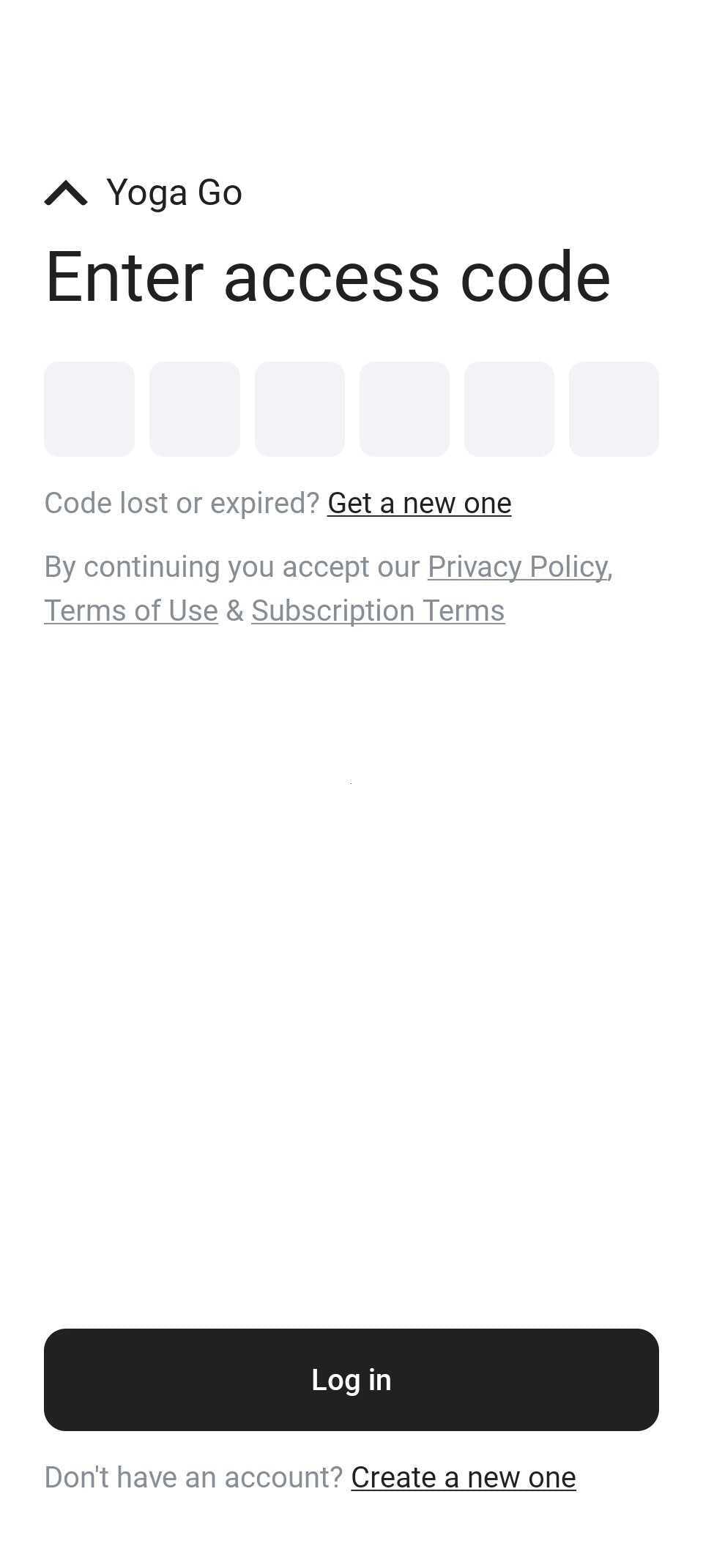
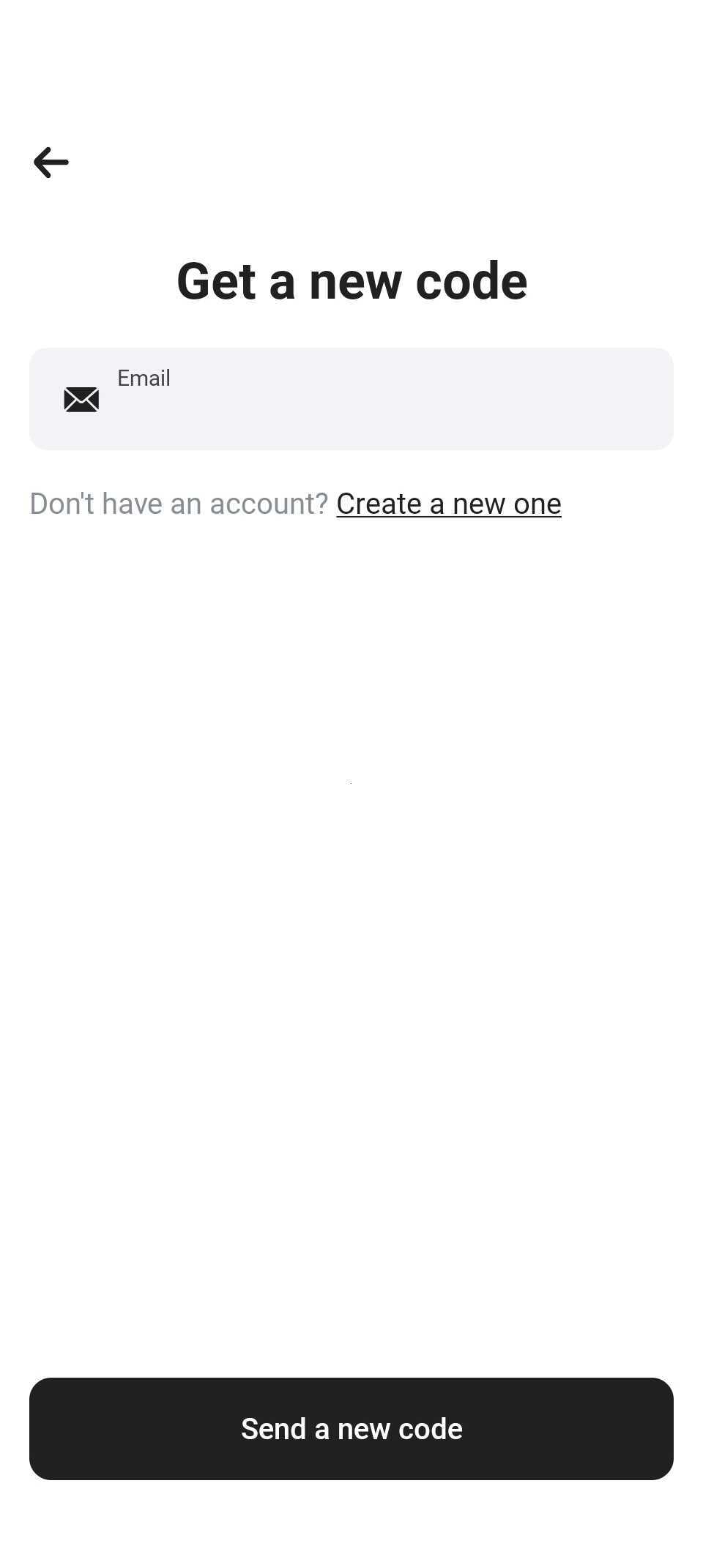
If you don’t have an access code, tap the Get a new one button, and enter the email address you used to make the purchase. Then tap the Send a new code button to receive the code.
If you experience any further issues with accessing your account, please contact our support team via the Contact Us form.